
Data captured becomes data used.
Coaches capture, store, and monitor performance data across all players in a centralised repository, tracking progress over time.
What gets in the way
Assessment results players actually see
Fill in results as you go, then publish them straight to each player's timeline as a card they can read at a glance.
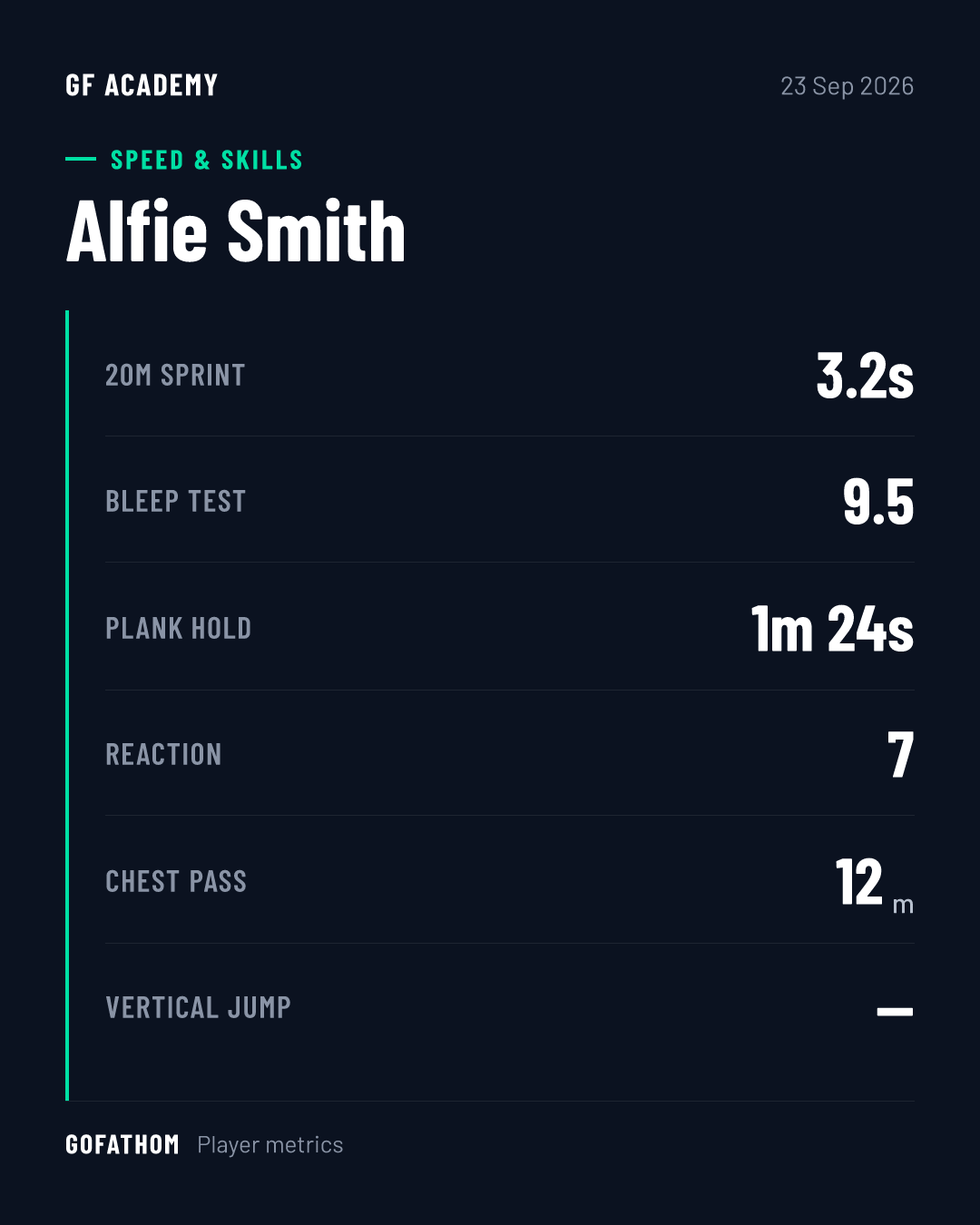
Latest scores
Every result from the assessment, at a glance.
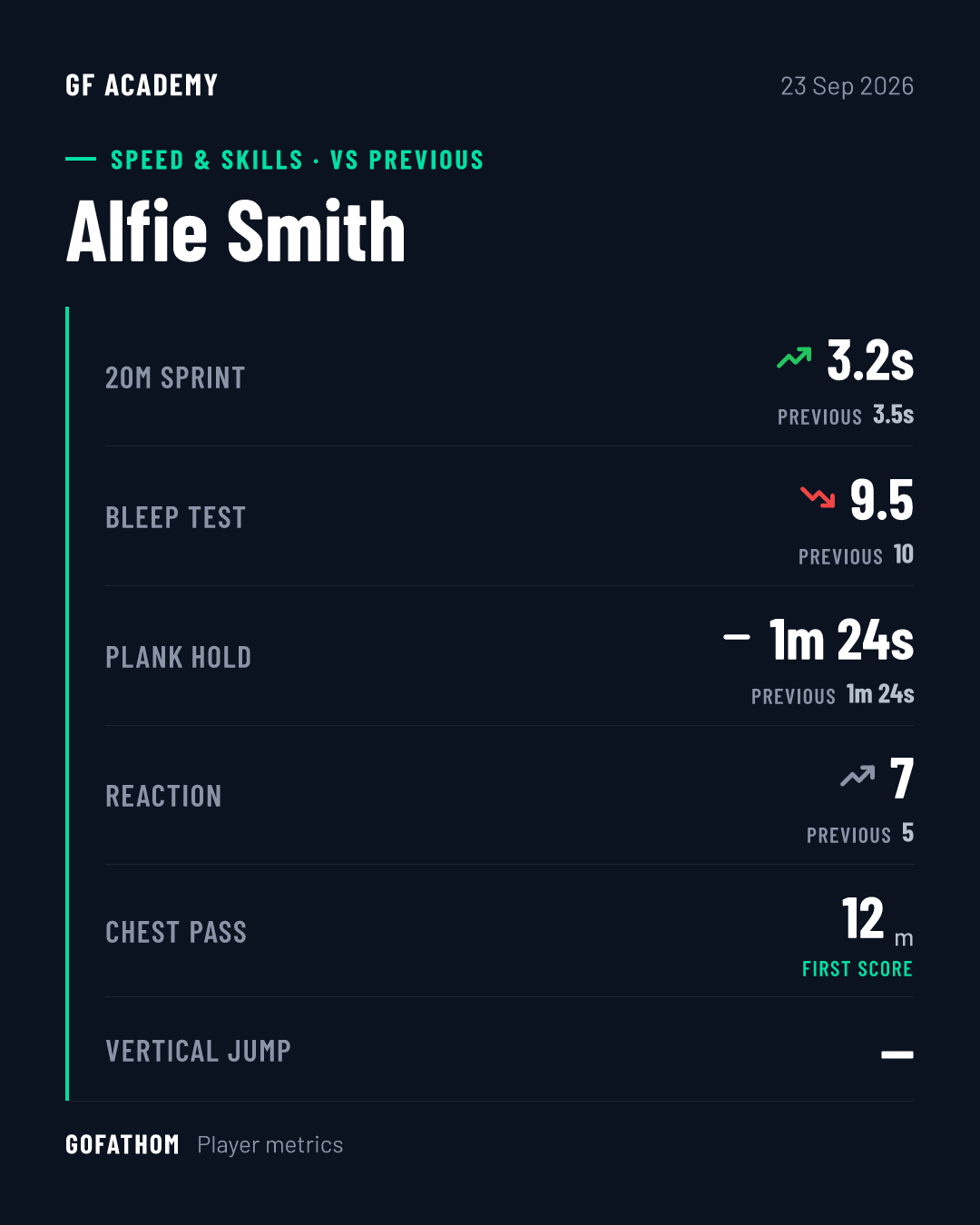
Vs previous
Each score next to the player's last result, so progress is obvious.
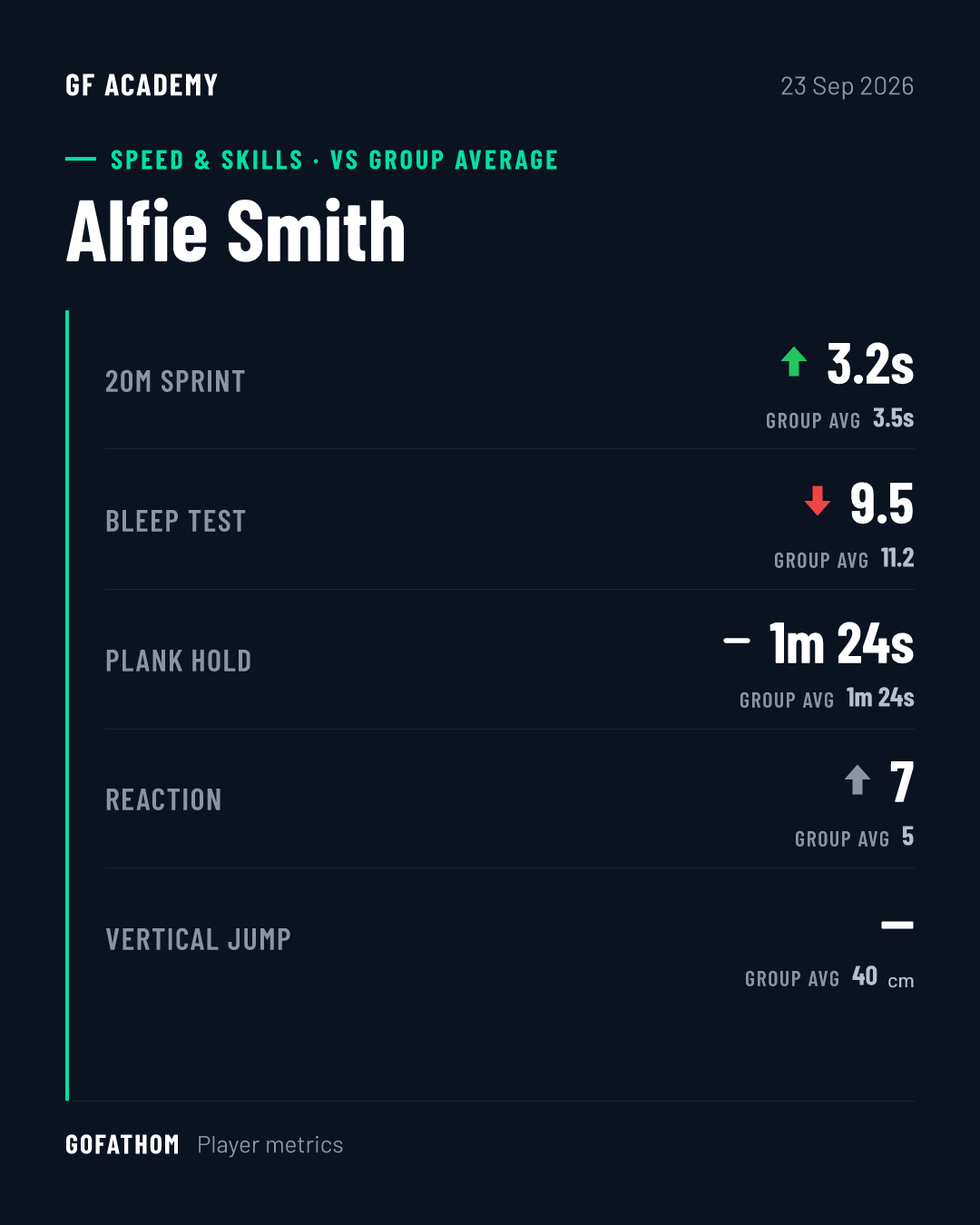
Vs group average
How the player compares with the rest of their group.
From the session to the timeline
- 1
Record as you go
Fill in results during the session, directly in the app.
- 2
One central record
Every player's results are stored together, across all your players.
- 3
Publish in a few taps
Send results to each player's timeline with the press of a few buttons.
- 4
Track progress
Compare with previous results or the group average, over time.
What each person sees
- Coach
Enters and publishes results, and compares players.
- Player
Their result card and progress over time.
- Parent
Their player's published results.
- Organisation
Results across teams and age groups.
What's inside
- Assessment templates
- Your own tests and measures.
- Result cards
- Latest scores, vs previous, vs group average.
- Central repository
- All results across players and teams.
- Leaderboards
- Where a player sits against their group or organisation.
- Player Assessment Centre
- Where a player views their current and previous scores.
- Private assessment scores
- Internal scores an organisation records that players don't see.
- Mobile recording
- Record results in real time, where the assessment takes place.
We fill in results as we go, directly in the app, and publish them with the press of a few buttons. It saves me hours of typing up handwritten notes and generating PDF reports to email out.”
 David DigbyDirector/Coach, Centurion Community Cricket